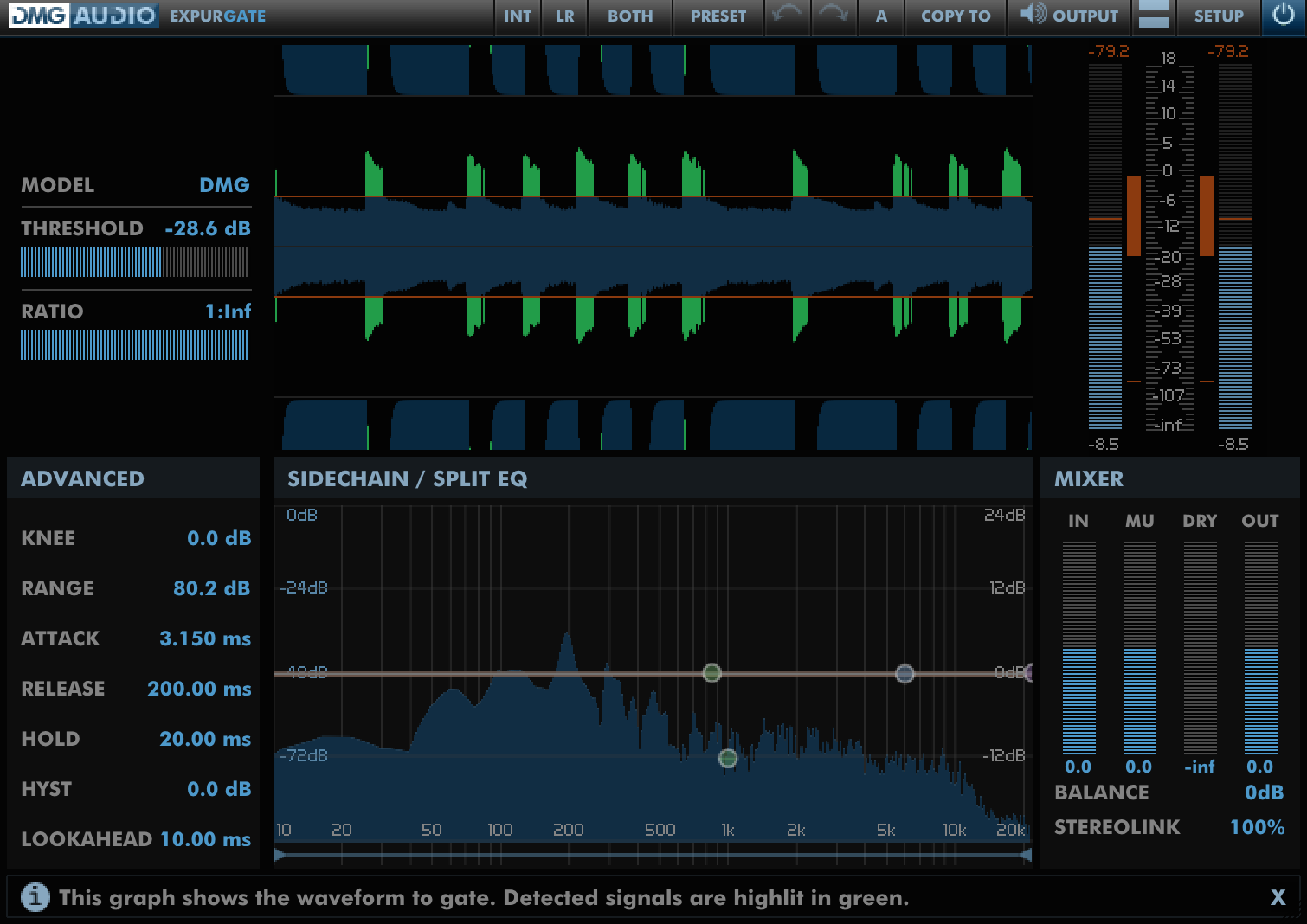
 Expurgate
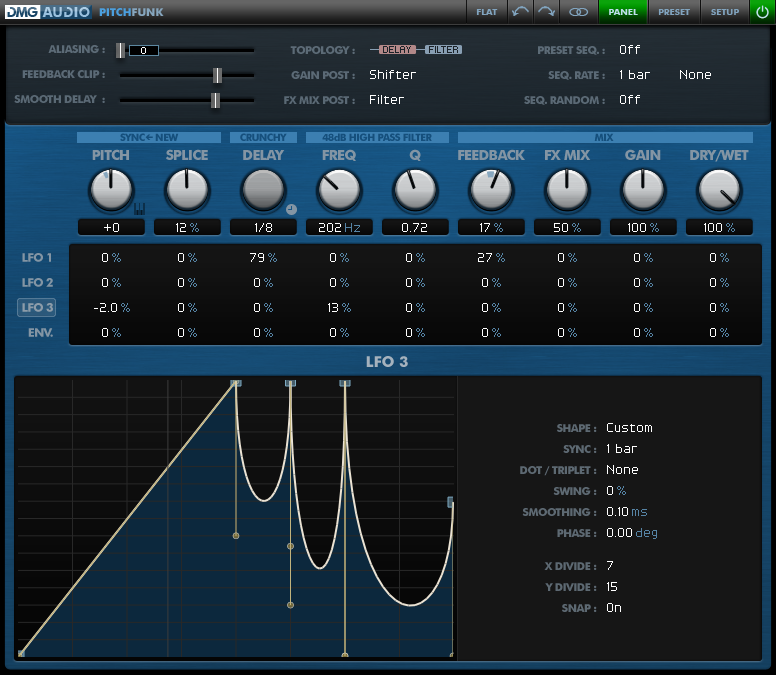 PitchFunk
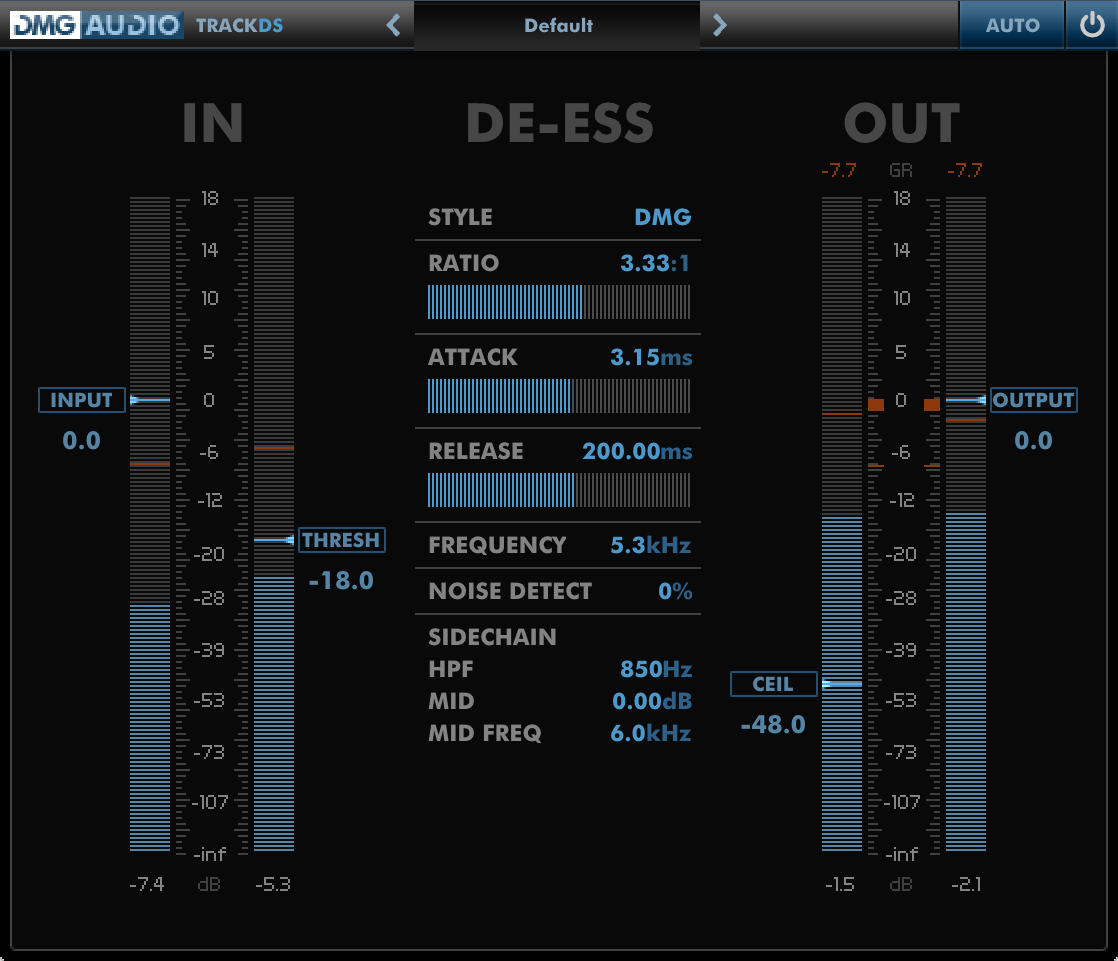 TrackDS
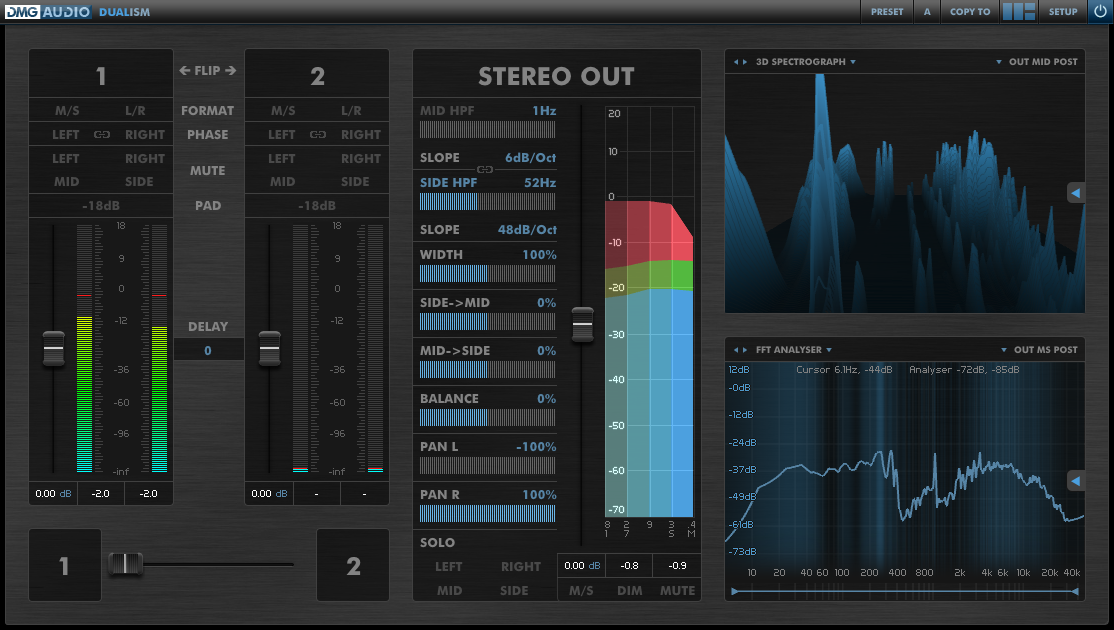 Dualism
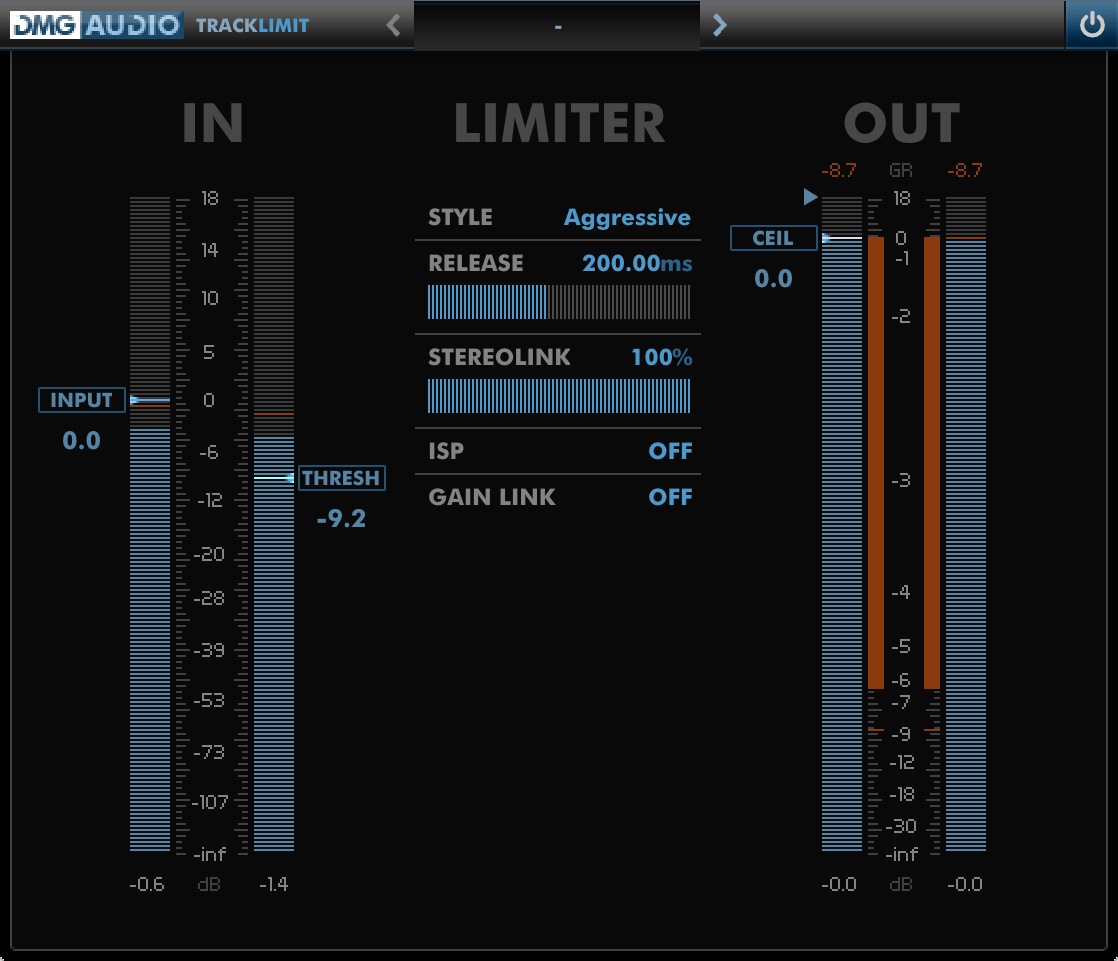 TrackLimit
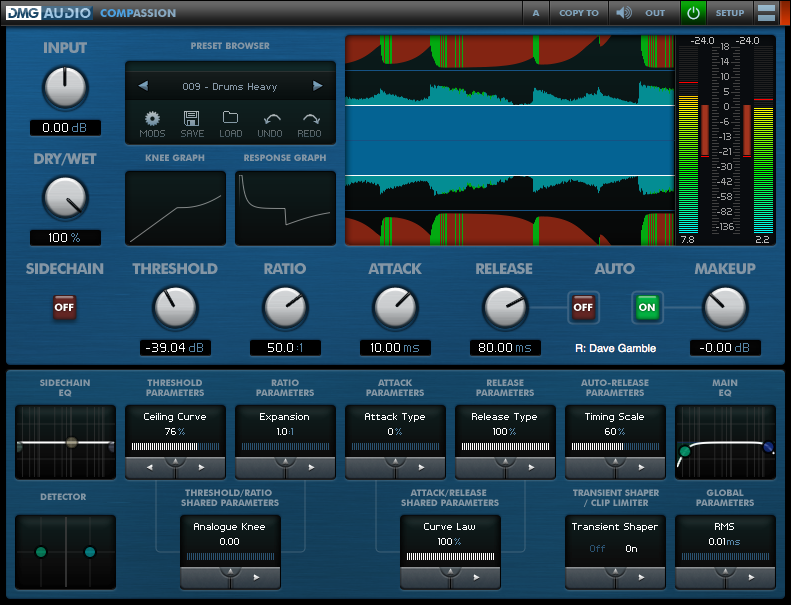 Compassion
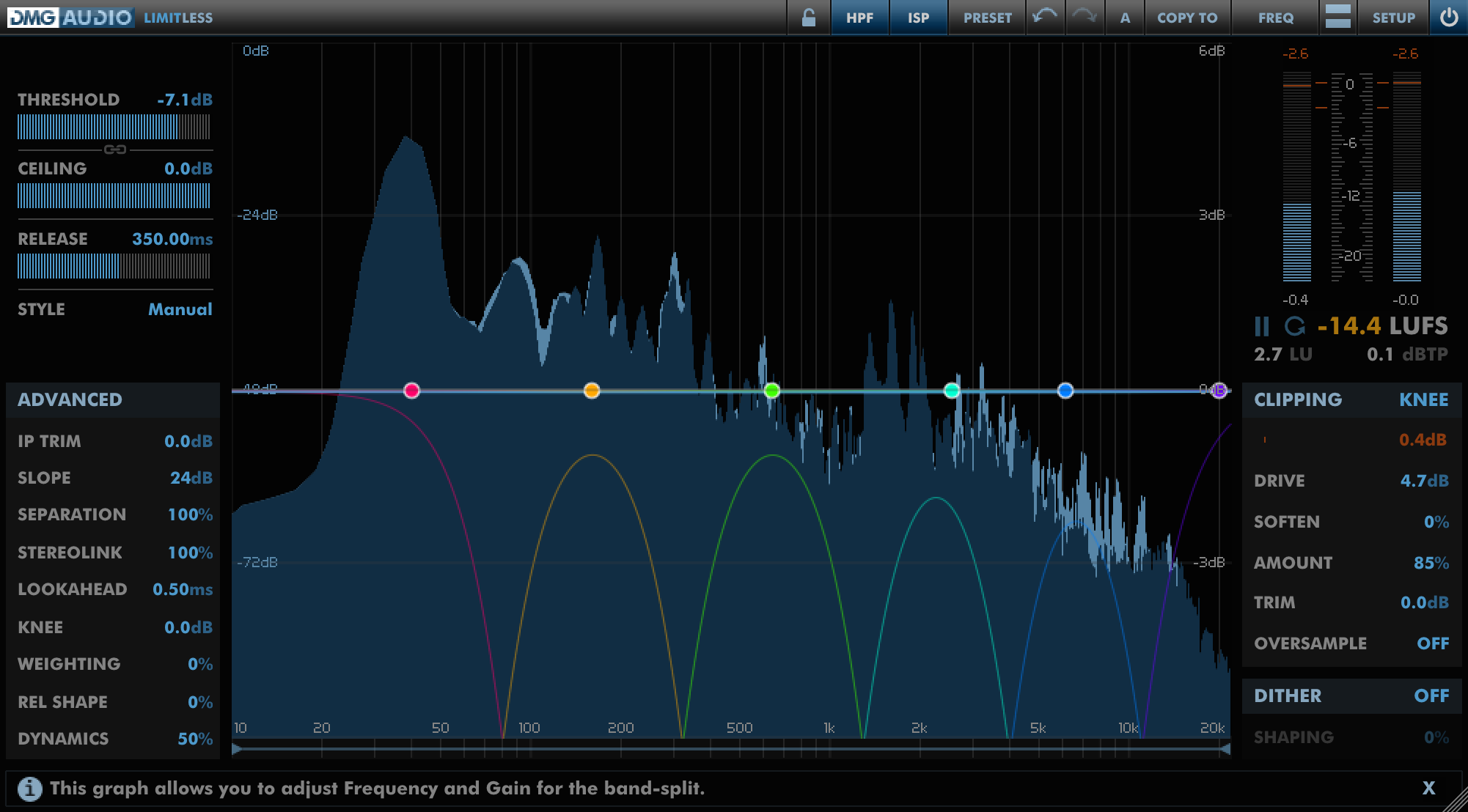 Limitless
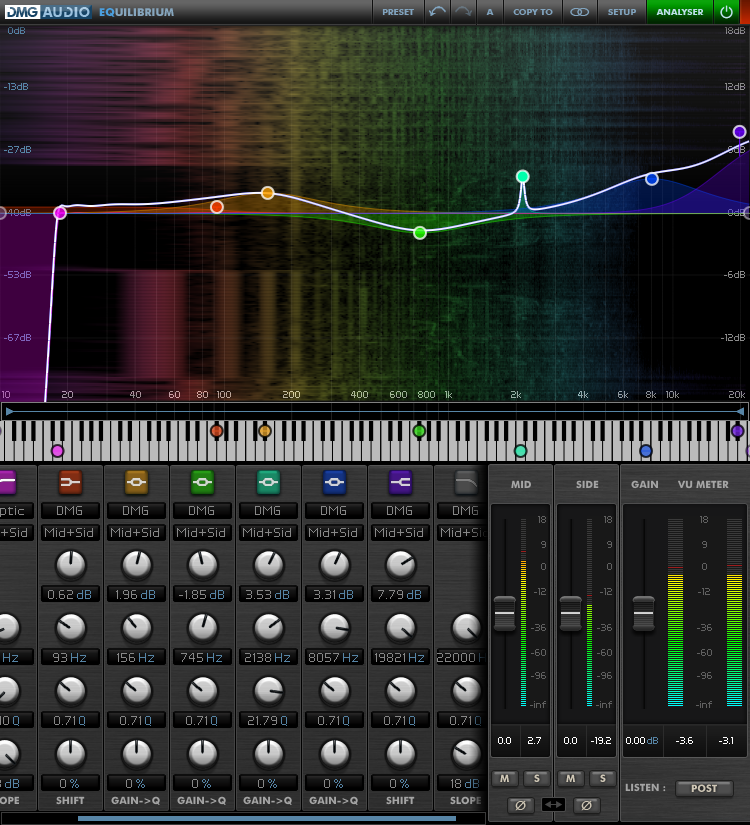 EQuilibrium
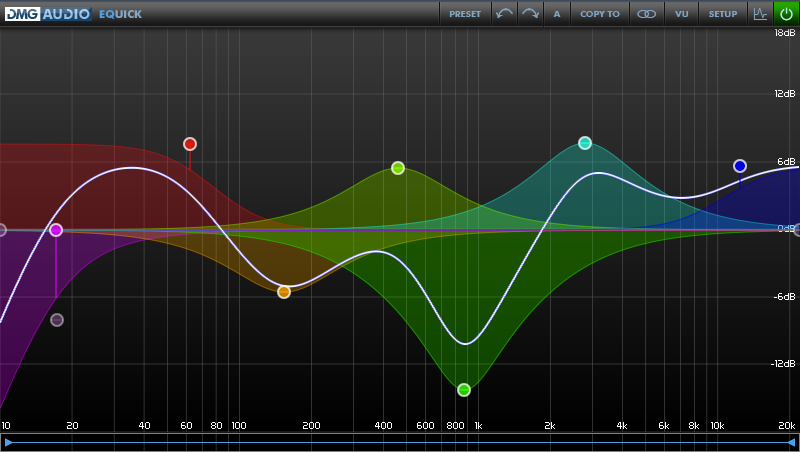 EQuick
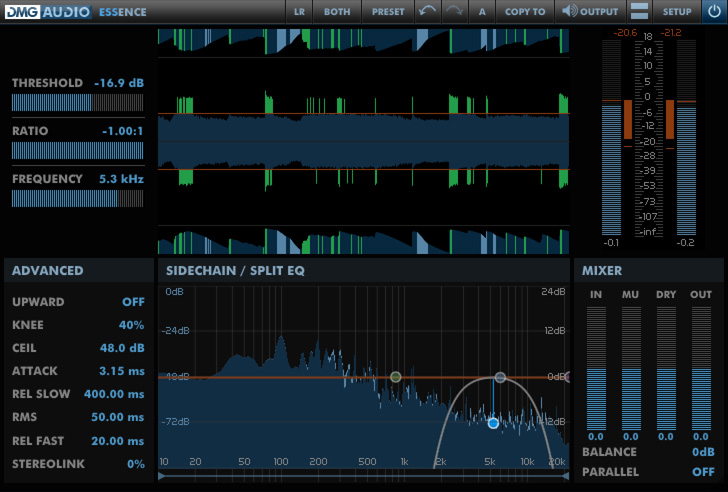 Essence
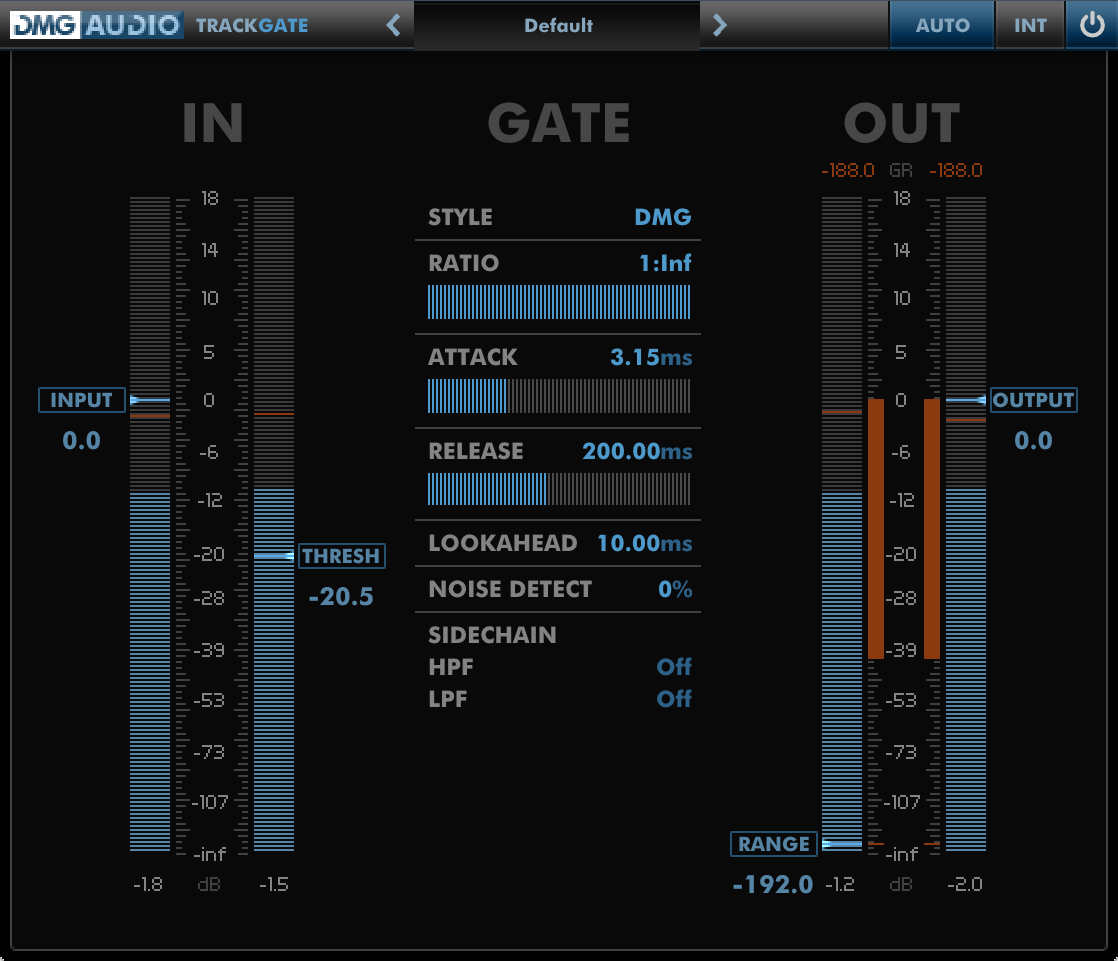 TrackGate
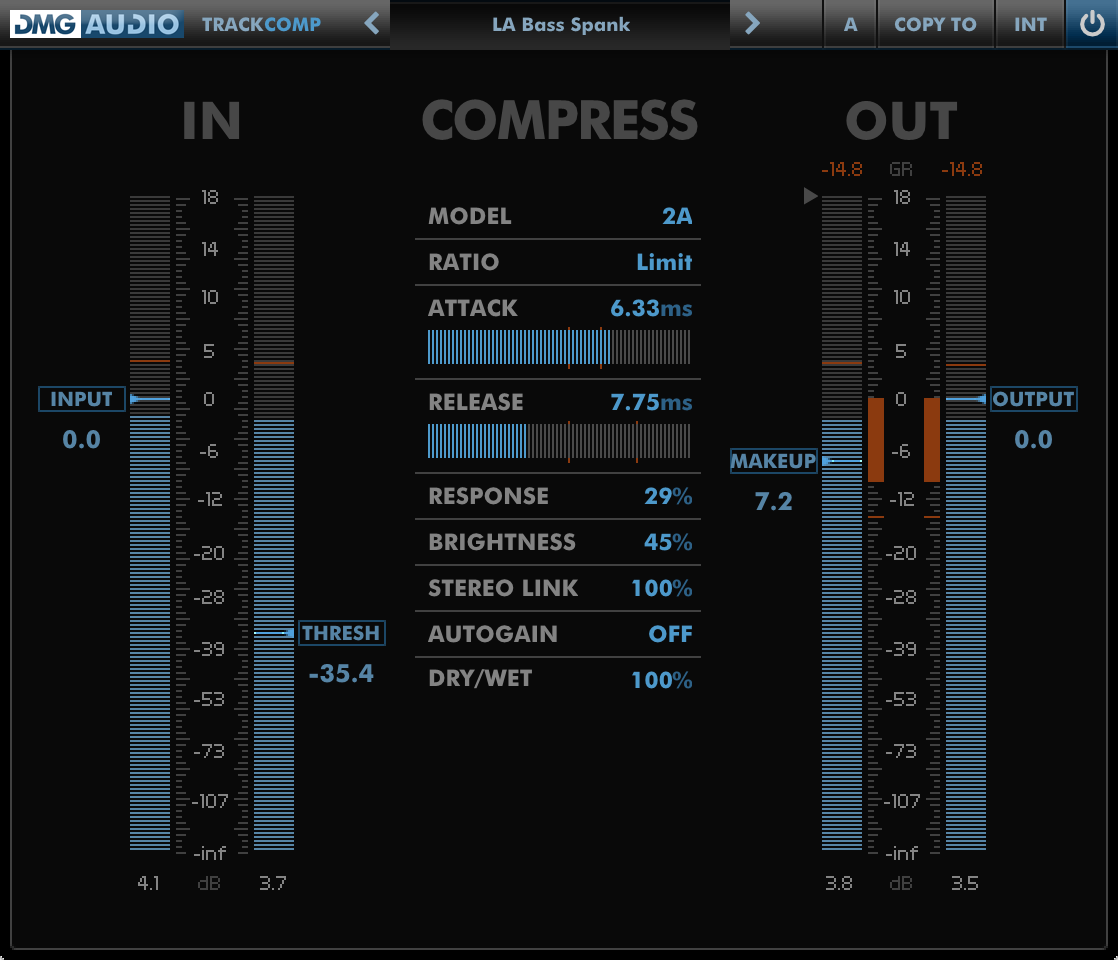 TrackComp 2
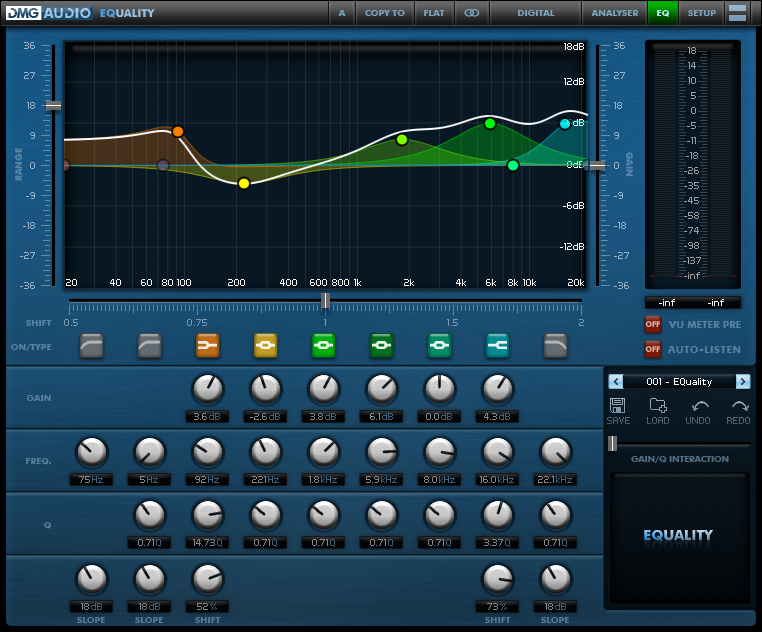 EQuality
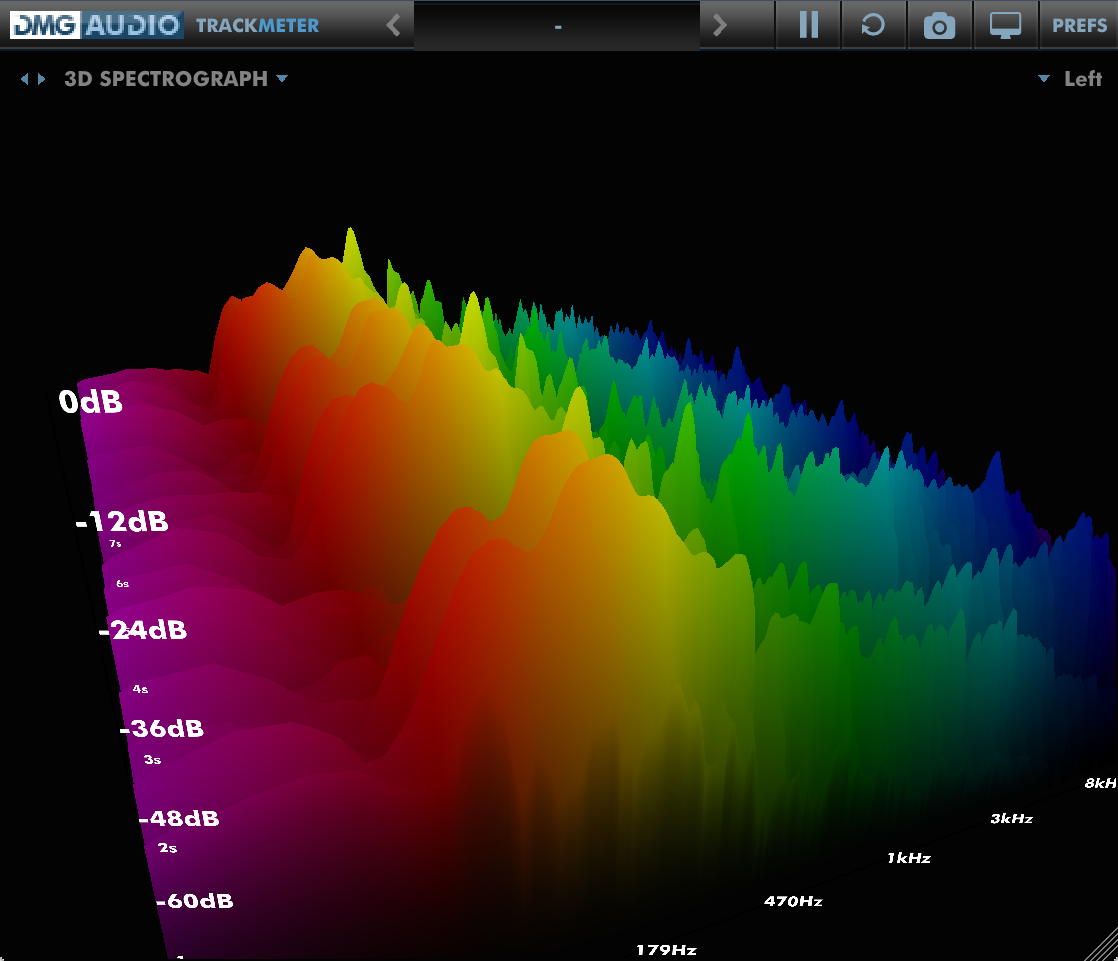 TrackMeter
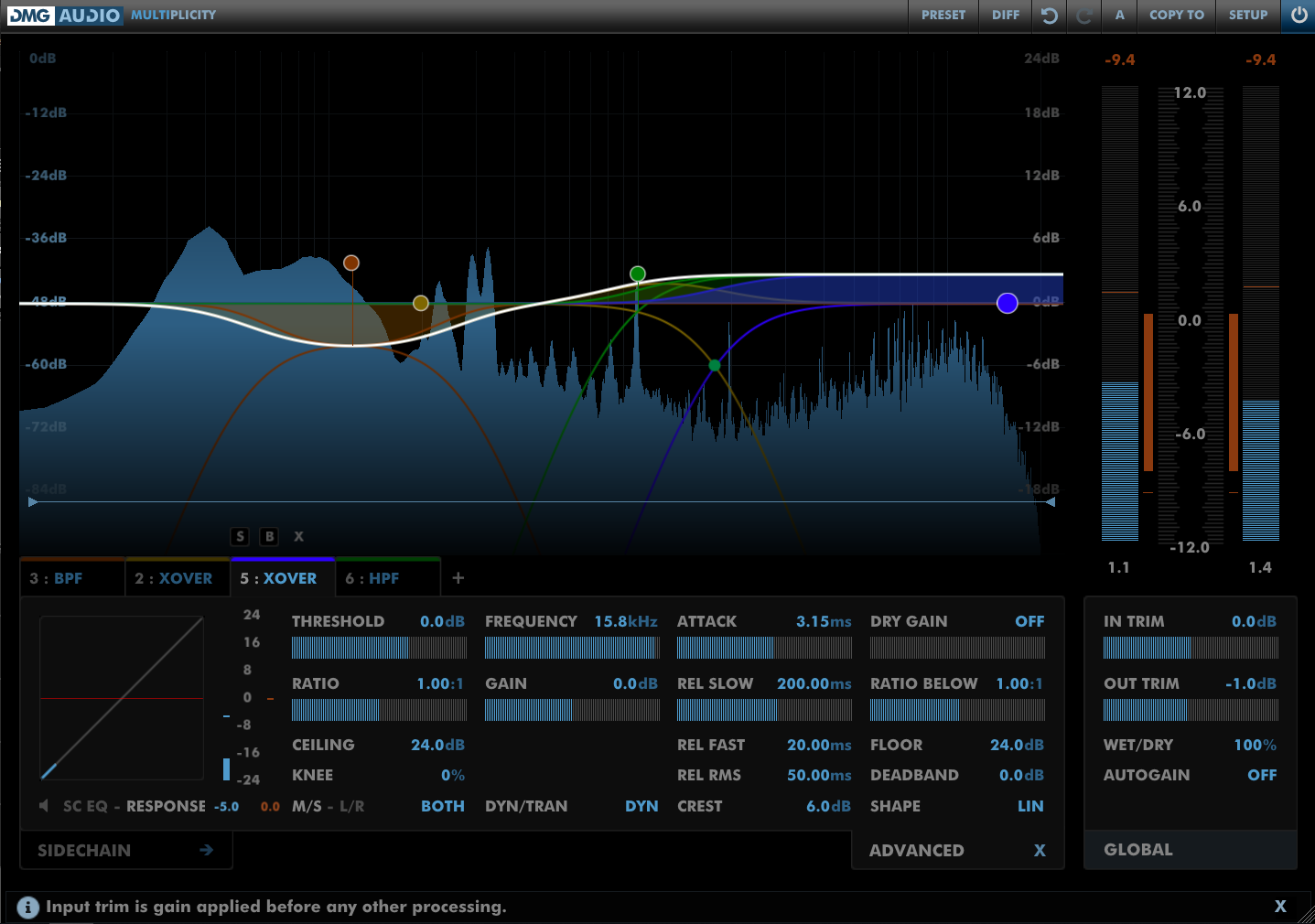 Multiplicity
 TrackControl
How to Install on Windows
You need two files to install; the plugin installer and the license file. Both are available from the downloads page once you're logged in. If you're using a demo, download the installer from the site, and use the form to have your license file emailed to you.

Double-click license.reg, and this box will open:

Click "Yes" and the license is installed.
Now double-click the zip-file which contains the installer. Double-click the installer; it will look like this:

Click "next" (changing any options if you need to), and EQuality is installed!
Reload your host, and enjoy!
How to Install on OS X
You need two files to install; the plugin installer and the license file. Both are available from the downloads page once you're logged in. If you're using a demo, download the installer from the site, and use the form to get your license file emailed to you.

If you are using Safari, one or both of these files may be automatically unzipped for you. If not, double-click them to decompress them, so you get this:

Double-click "license.command" to install the license. The license will install, and you'll get the following message to confirm:

Now double-click the installer, and it will launch. It looks like this:

Click through until it installs, and everything is set!
Now relaunch your host and enjoy!